Monday, 24 May 2010
Photo references
Problems so far....
1st problem- Can not add face rig
I now realise that instead of smoothing the geometry the way that I did, I should have smoothed the normals in the same way as my friend at uni has and her models look just as smooth. This would have reduced the poly count by alot on my scenes and by adding the body and epesecially the face rig has added even more impact on the size as the character to start with was high poly. I also found that although I used a rigging machine it was actually quicker when I created my own rigs in my last project and I had alot more skin weights to change than I thought. For my last project I used blend shapes to create the face expressions but this time I used the TFM (the face machine) giving me better quality expressions and a wider range whereas with blend shapes although you can create various face expressions you are still limited to the control of it. So what I was after was the results that you can achieve by using TFM.
Problem solved- Bought a new and faster computer :)
Problem 2- problem whilst testing out the characers rigs
Now that I had bought my new computer adding the face machine was not a problem but then I came across another problem... with the rig :/ Whilst adding the face machine you have to define the body parts, I defined the tongue as part of the main rig, I'm not sure whether its the fact that my tongue was seperate from the body or not but when moving the geometry from it's origin and rotated it, the tongue would move out of the mesh , instead I unparented the tongue from the rig and then parented the tongue to the jaw bone, once tested it was fine :)
Problem 3- creating my topiary hedging
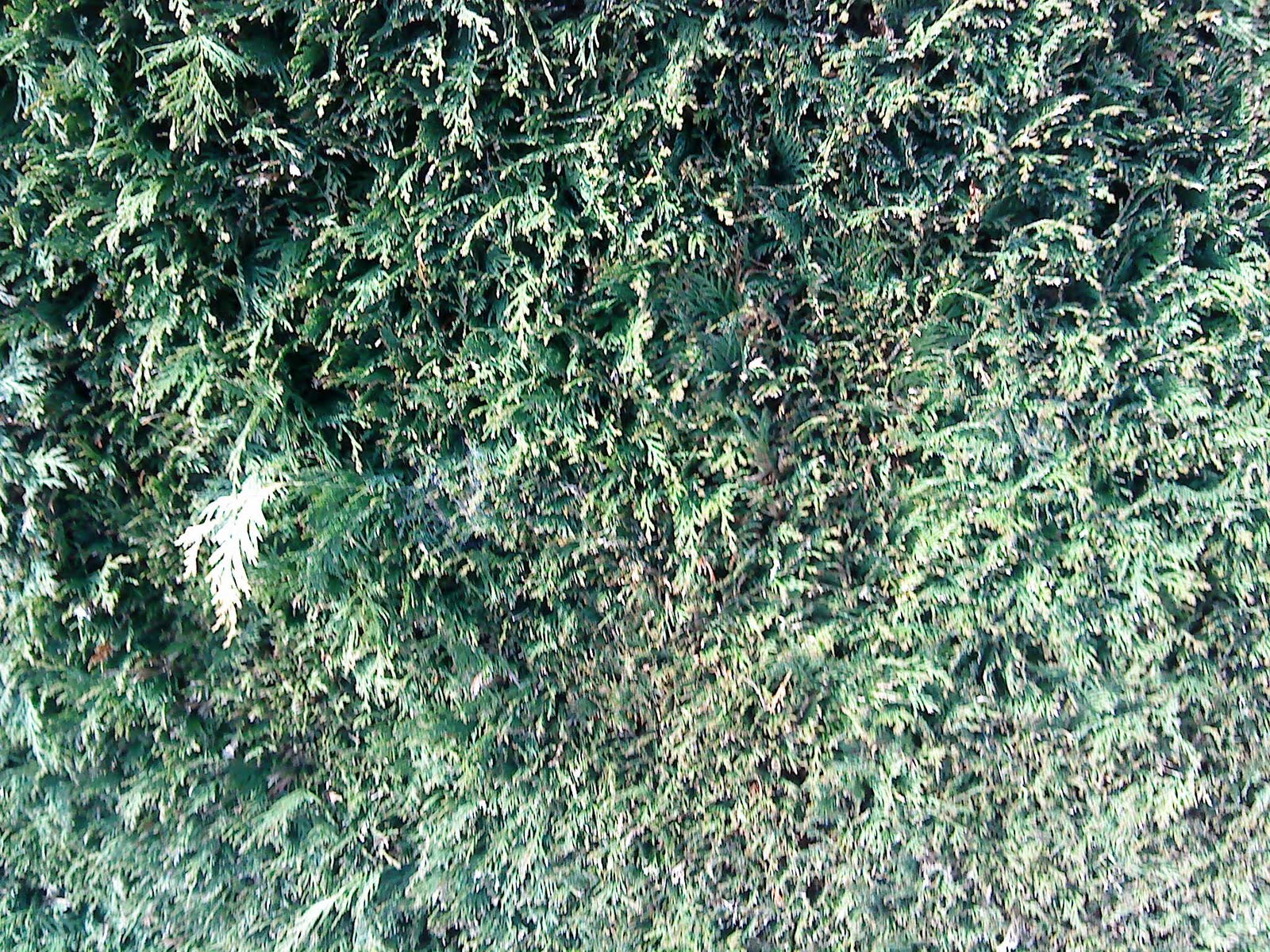
After looking at tutorials I still couldn't find a way of creating the hedge so that it looks like leaves close up. I experimented on Maya rooting through the menu's and I resolved the problem by creating paint effects and then transfered them tothe polygon mesh.... it works and looks fine but it does make the scene heavyier so I may have to reduce the amount of footballer topiary.
Problem 4 -scenes are very heavy
I have had to go back to every element in my scene to make sure that it has no history on it, which also means going back to my scenes and re-importing the objects. I have to minimize what goes on the scene which isn't what I want really but I will find a way of making it work...it's just a very long process. For some reason my scenes were taking about half an hour to load and about 20 minutes just to save.... so I'm working on this at the moment. my advise would be to keep to low poly objects if you can and keep checking that there is no history being transfered inbetween scenes.
Sunday, 23 May 2010
progress update
Character design- I feel my character design, modelling and texturing is definatley improving, with my last project instead of cutting up and unwrapping the geomtery I painted straight onto the mesh but this time I have tried UV mapping which is cutting up the geometry and unwrapping it so it is flat, then using the snap shot of the geometry's mesh I was able to add the textures. This was also my first time in modelling and animating a human, I think I have achieved two likable characters and it is great to see them animate after spending so long to design and develop, I will carry on improving these charters and will use these for more experimentation with animating and texturing.
Animation movement- The animating isn't the best but I think it will be strong enough to make this animation work. It will then be down to the editing to add the final feel of the animation. For the sound I have been looking at some royalty free sound tracks and are quite good quality, my intension was to have an original piece of music for this animation but as the guy has let me down this is the second option.
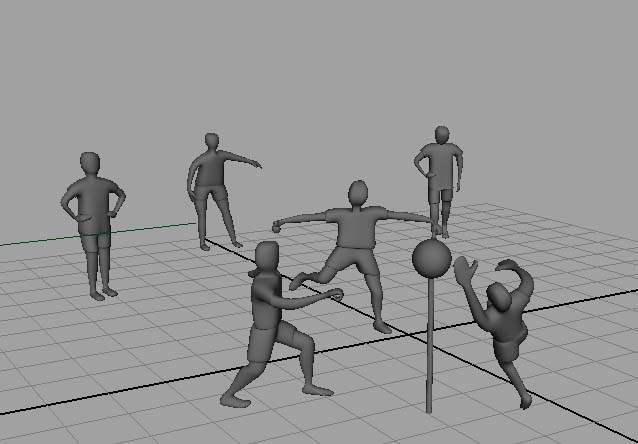
Character animation- There is no exact character whom I am basing my characters on, instead I am taking the feel of the story to create thier moods. By recording reference video's I was able to get some good ideas of camera angles and better animating. Such as the scene where the boy is sitting on the road flicking the stones, I have had good feed back on this scene and at the moment is looking to be the best; the camera angle and action. After taking a rough draft of the animtion to my tutor and class mates and getting feedback there were a few bits in the animation that I had to change and need to consider when it comes to adding the camera's. On the storyboard the boy turns around after the ball has been rolled towards him then the camera cuts to his mother waving, I have changed this by instead having her placing boxes to create a goal post, my tutor was unsure of what was going on because of the camera angle, when i come to render this scene I will have the goal posts centred. I then added a scene showing the boy kicking the ball towards the goal and then cuts to his mum hitting the ball out of the garden and into next doors garden... of course now the boy is inside the garden again so instead he will be looking at his next door neighbours house and then to across the road. As he turns around his mother will be holding the ball and this is when he has his idea. Another scene inwhich I had to change was the scene with he lawn mower, We decided to exaggerate a little and add a little something else at the end of the lawn mower going throug the fence to add to the 'things couldn't get any worse feeling' this part will mainly be about the editing; I will have cut scenes from her widening eyes to the falling vase. I will finish this shot of the broken vase and then continuing to the scene of the boy but again I have altered it slightly instead having the boy hiding behind the ball. There were a few more changes to make due to timing and movement which I have changed and hope that this imroves in my animation.
Texture- I think that my texturing has improved but there is still alot of room for improvemnt, i have more understanding of UV's and how they work and also bump mapping (adding depth to the texture)
The thing that I find with Maya especially is that once you know the main basics you kind of know how the rest of the program works (although there is soooo much to learn) but I feel for my last two projects I have improved alot with the understanding of Maya. One important thing I need to keep in mind is cleaning up my scenes and deleting the history on everything.
Wednesday, 5 May 2010
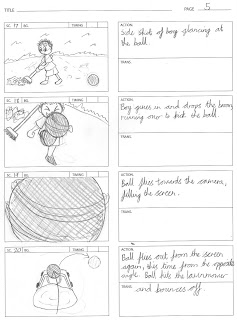
Finalised storyboard
This is the finalised storyboard, I am happy with this, there are a few changes that I have made but I think that it has developed into a nice story with a good flow. This story has changed quite a lot from the very first original storyboard and the mood of the animation has also changed going from a comedy them to a more heart felt piece. I'm not sure yet whether this animation is going to give the right effect that I want to give to it... I will have a better idea once it is put together, I have a rough idea as I created a rough draft by using play blasts so I know that the flow of it works, I need to improve on the camera angles to make sure I get the best out of my scenes.


screen shots of my characters


This is a screen shot of how the boy may be sitting on the curb, whilst recording my video reference to day, my actor was sitting like this. Its just a test to see if the boy can go into the position and this is where I found a problem with the skin weights; the arm would not bend correctly into position with out the skin cracking and folding in an unusual way. I think that one regret I have so far is that I shouldn't have smooth my geometry in the way that I did. I could go back a few steps but that means a lot of time to loose :(.... so I will bare with these models and repair the skin weights. I'm quite happy with the face skin weights so far :)

The mother....


Wednesday, 21 April 2010
Character refrences


I will also look at his expressions for when it comes down to my characters face expressions

This is whereI got the idea for the form of both of my characters. I like the big heads and skinny arms and legs, I didn't exaggerate quite as much as they have on "The Incredibles" but I did use the curvy hips on the mum. I want my mum to look "mumly" so I gave her a simular hair style too.

Coraline... another reference to the form and hair style of my character